Pair a Bluetooth Phone to a 1994 Suzuki Sidekick JS 1.6L 4 Cyl. (2 Door)
Suzuki Sidekick Model Years - 1990, 1991, 1992, 1993, 1994, 1995, 1996, 1997
How to pair pair your phone to your car via bluetooth


Hans Angermeier is an ASE certified Maintenance and Light Repair Technician and has produced over 100,000 videos showing drivers how to fix things on their cars. He has broad expertise on basic repair procedures covering the majority of cars on the road. Over the past 10 years, Hans has been focused on building CarCareKiosk, which is visited by millions of drivers each month.
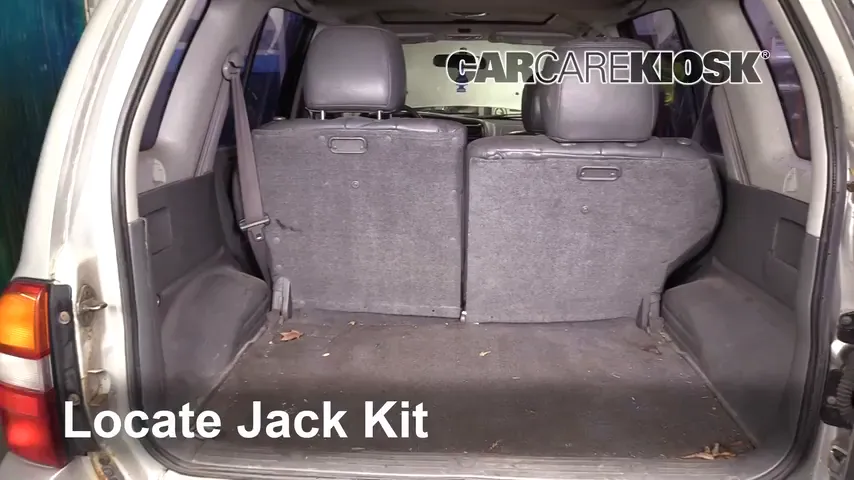
Learn where your spare tire and jack are located before you need it on the side of the road
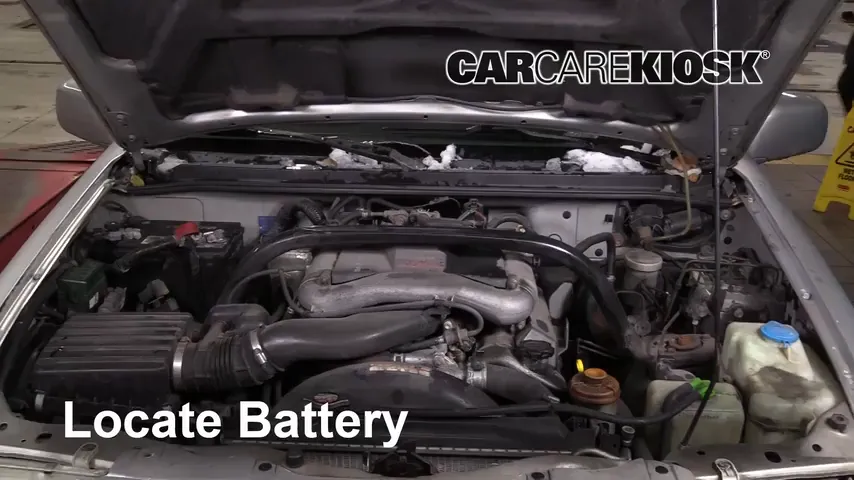
Did you know that heat is worse for your battery than cold? Replace it every 4 years
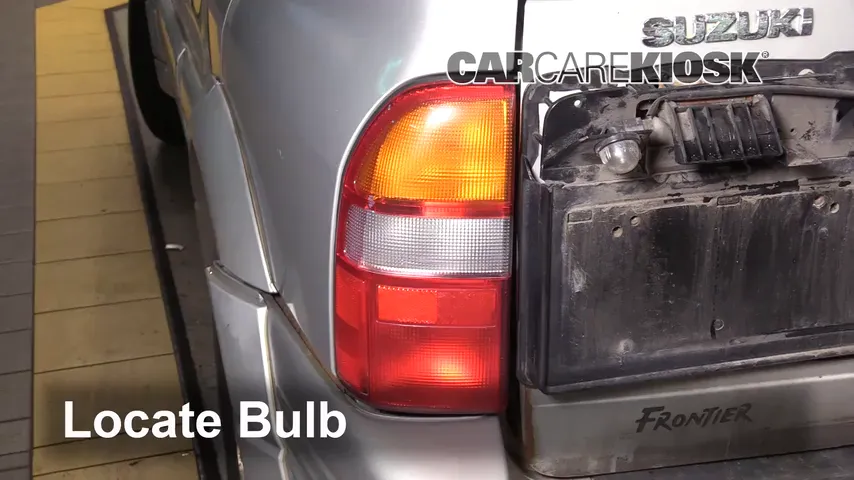
White light when you back up - yup, they burn out and you can replace them with bright LEDs
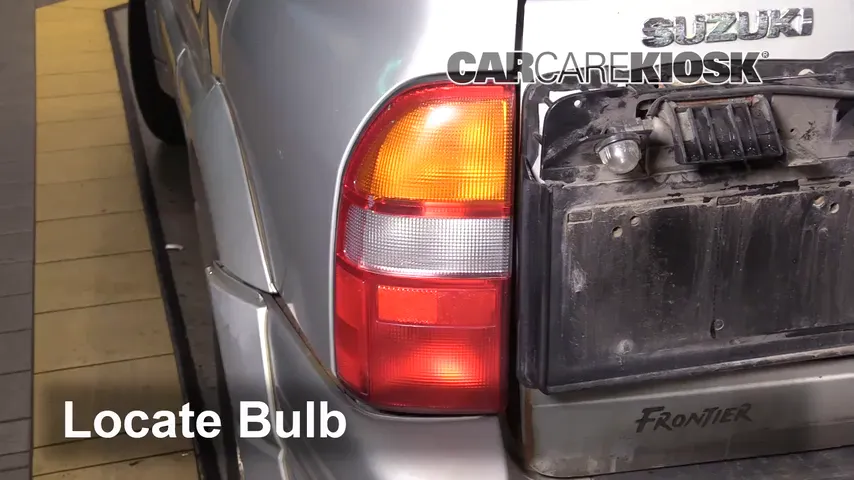
Burnt out brake lights increase your chance of getting rear ended - check and change yours today


- Lake Chevy helped make these videos
- Feedback
- Download Suzuki owners manuals








This is how to pair your iPhone or Android phone to a 1994 Suzuki Sidekick. Generally, pairing a Bluetooth compatible phone to your car will allow you to make handsfree calls. In many models, you can also play music through a paired device over the Bluetooth connection too. Check your owners manual to see if this is possible in your 1994 Sidekick. Some models only allow Bluetooth devices to take calls wirelessly and do not support Bluetooth music. Typically, these cars will require an input jack to play music from your phone.
Do you have Bluetooth problems? Is Sync not working in your Sidekick? Or are you having Bluetooth issues? The steps needed to sync your phone to your car tend to vary substantially from one vehicle to the next. If you followed the steps in the video above and your a 1994 Sidekick will not connect to your phone, then you may need to delete some saved phones. Used cars will often have several saved phones in them. Once a maximum number has been reached, the Sidekick will not allow additional devices to be paired without deleting some first. If your 1994 Suzuki Sidekick requires a password, try 1234, 0000 or ABCD.
- Advance Auto coupon for
20% off entire order: KIOSK20